
IPTV Box in Malmö 2026: What to Buy, and When Not To
Do you need an IPTV box in Malmö? How the open city network, Danish channels across the Öresund and Google's new app rules change the answer.
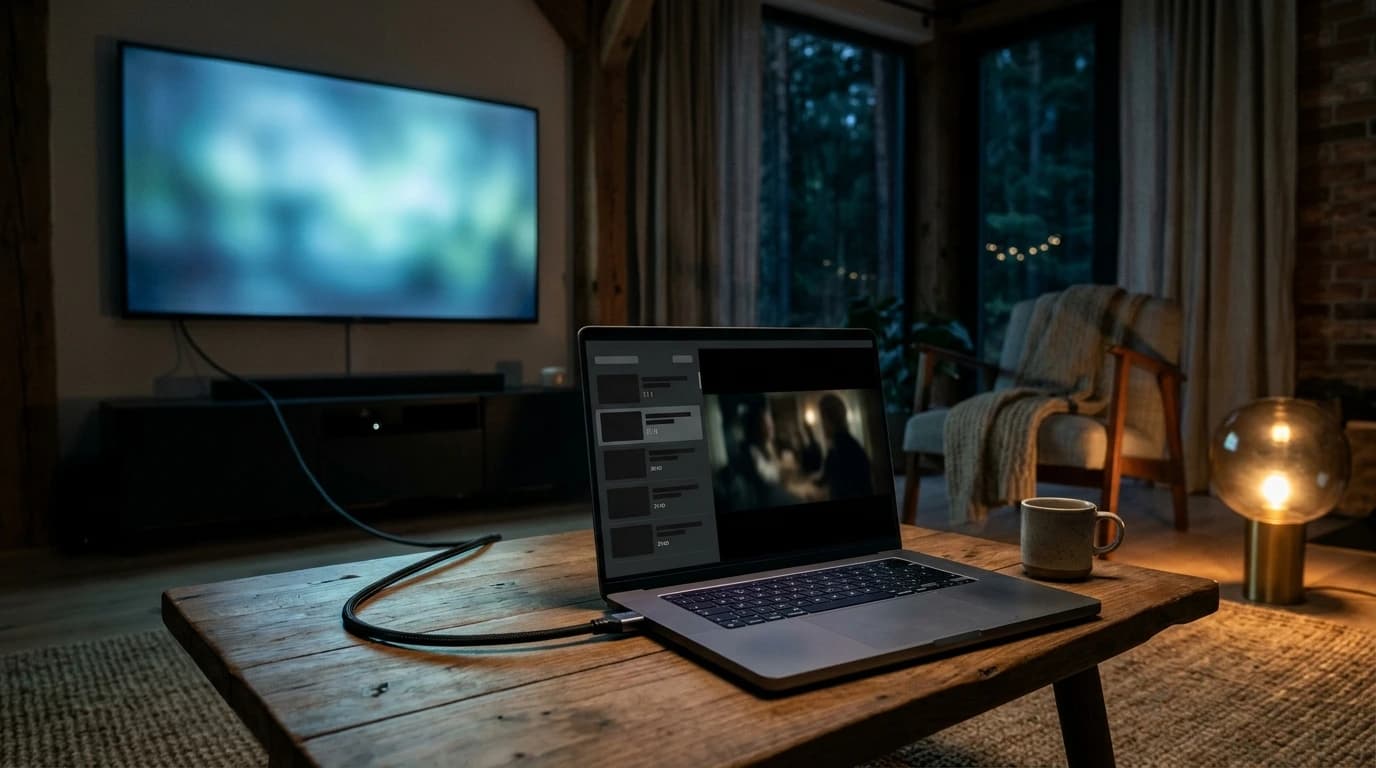
IPTV on a computer: what the machine needs, installing the player, getting it onto the TV – and the Windows 10 decision that came due this year.
Running IPTV on a computer is the quickest way to try a service: the machine is already there and no new hardware is needed. This guide covers what the computer needs, how to install and run the player, how to get the picture onto the television, and what usually goes wrong.
One decision is new this year and affects a lot of households in Sweden: Windows 10 no longer receives ordinary updates, so if an old laptop is to become your TV machine, that has to be settled first. Information checked 2 November 2026.
Less than most people expect. Streamed television is decoded in the graphics chip rather than the processor, so a machine from the last eight years is plenty — a modest laptop included. What decides the experience is the connection, a spare HDMI output if the television is involved, and an operating system that still receives security updates.
| This matters | This matters less |
|---|---|
| A steady connection, ideally over Ethernet | Processor clock speed |
| An operating system still getting security updates | RAM beyond 8 GB |
| A spare HDMI output if the TV is involved | A gaming graphics card |
| Getting the player app from the right source | How old the machine looks |
We recommend at least 15 Mbps for HD and 25 Mbps for 4K. How to measure what you actually have at home is covered in our guide to internet TV.
This is the year's most important point for anyone reusing an older machine. Support for Windows 10 ended on 14 October 2025, and Microsoft no longer supplies free updates or technical help. The computer still works, but the operating system itself no longer receives the ordinary security fixes.
There is a way forward without replacing the machine. Private users can enrol in Extended Security Updates (ESU), and Microsoft's own page states that "you can enroll in ESU any time until the program ends on October 12, 2027". Three details are worth knowing:
One correction worth making, because it is still circulating: many articles give 13 October 2026 as the end date. That was the consumer programme's original date before it was extended, so it has already passed without the programme ending. Check the date at Microsoft before planning around it.
Both work, and they solve different problems. A player app is built for linear television: it handles the channel list, the TV guide and catch-up in an interface made for hundreds of channels, and it changes channel faster than a browser tab. The browser is convenient as a fallback and for play services you already use.
There is also a technical difference worth naming without overstating it: how a service delivers picture inside a browser depends on that browser's own protection mechanisms, and those are not identical across browsers or machines. Which route looks best on your computer is therefore an empirical question rather than a matter of principle. Test both during a trial instead of trusting a table.
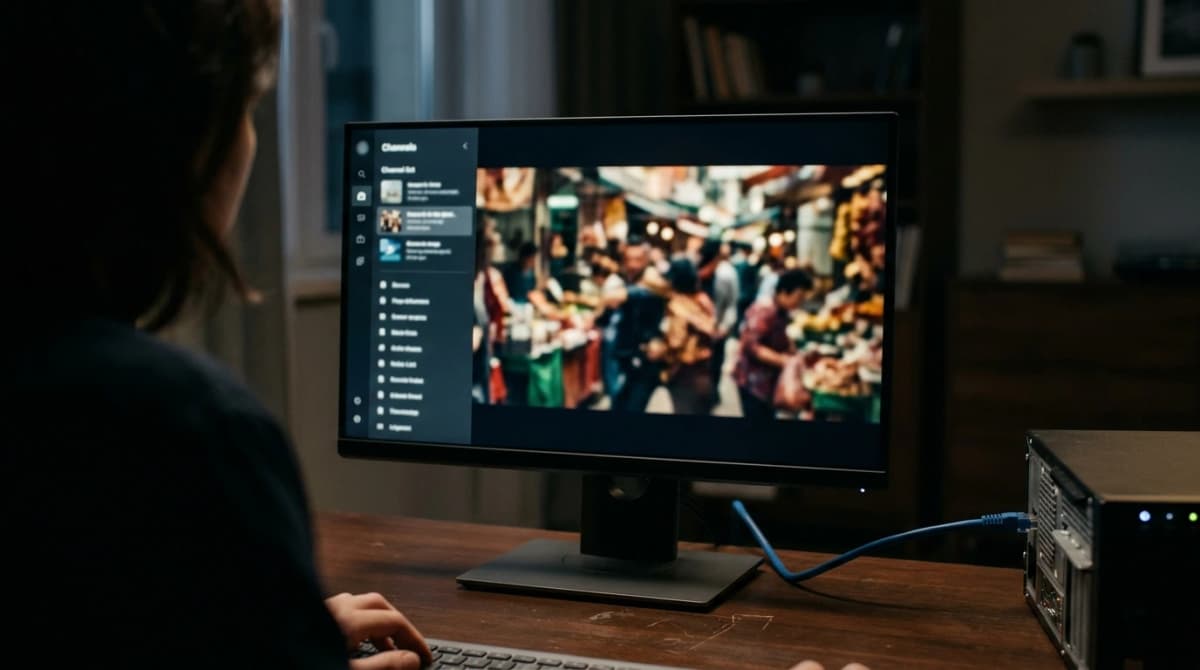
Five steps take you from a bare machine to a channel list that plays. The order is not arbitrary: network first, then the app, then the credentials, and the television last — so you know where the fault sits if something does not work. Allow about a quarter of an hour.
With us the credentials arrive on WhatsApp and activation takes about a minute once payment is confirmed. Supported hardware is listed on the devices page.
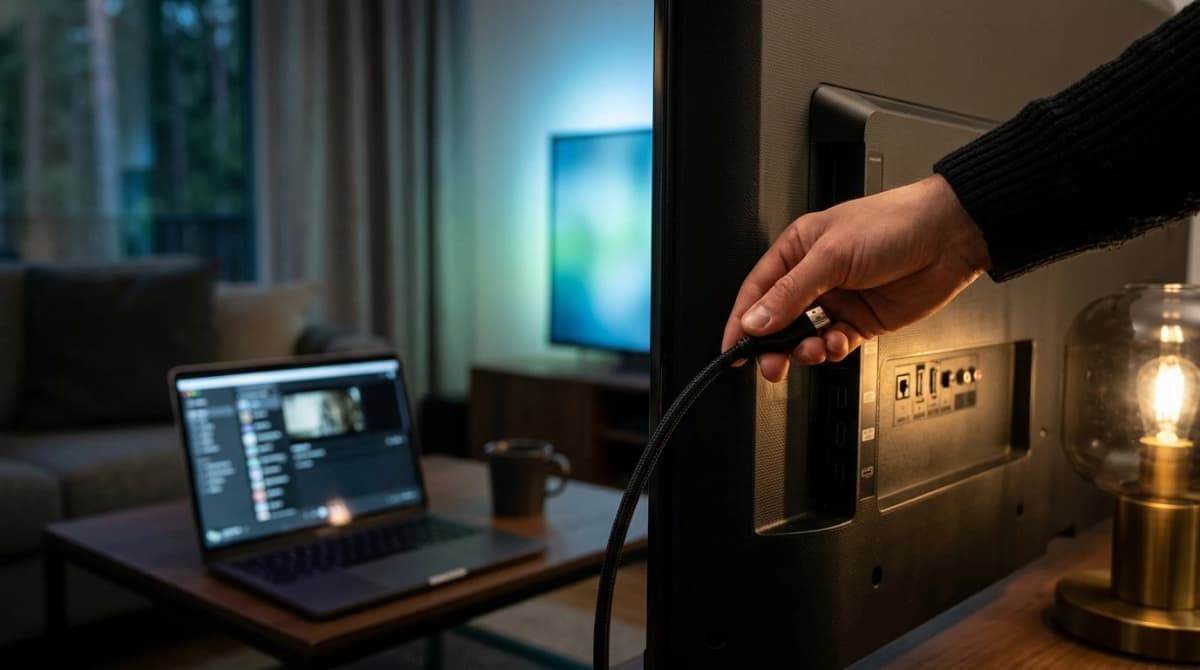
An HDMI cable from the computer's output to a spare input on the television is almost always enough. If the machine only has USB-C, an adapter does the same job. Select the right input on the TV remote and set the computer to show its picture on the external screen.
Two things commonly surprise people:
If you would rather not keep a computer by the television, a box is the usual answer — and whether one is needed at all is covered in our guide to choosing an IPTV box.
Most trouble on a computer sits in the network or the settings rather than the service. Four causes cover nearly everything, all four take a few minutes to test before you contact anybody, and the table below pairs each symptom with its likely cause.
| Symptom | Most likely cause | Try this |
|---|---|---|
| Picture stutters in the evening | Wi-Fi and network load | Ethernet, or 5 GHz instead of 2.4 GHz |
| Picture but no sound | wrong playback device after HDMI | change the audio output in system settings |
| Channel list is empty | wrong server address or M3U link | check the details character by character |
| Everything buffers, play services too | the connection, not the service | measure over cable and compare with your plan |
The computer wins on already existing and costing nothing extra to try with. A box wins on being quieter, drawing less power, starting faster and not needing to be used for anything else at the same time. So the choice turns less on technology than on where the computer sits and what else it is for.
A sensible order: test on the computer first, because it costs nothing. If that shows the service works and you want it permanently at the television, buy hardware then — not before. The same logic applies to the whole purchase, which is set out in buying IPTV safely. For the background on how television reaches a Swedish home at all, see how digital TV works in Sweden.
IPTV NORDIC is an IPTV service with login credentials that work in standard IPTV apps on computers, smart TVs, Android TV, Fire TV Stick, Apple TV, phones and tablets. We sell no hardware and no software, and what follows sets out both what is included and what we explicitly do not promise.
According to our service description it includes 18,000+ live channels, 40,000+ movies and 12,000+ series, 8K / 4K Ultra HD ready with FHD where available, a TV guide (EPG) and catch-up, activation in about a minute, round-the-clock support and a seven-day money-back guarantee. Plans are 15 euros for one month, 35 for three, 45 for six and 65 for twelve, with 2–5 simultaneous streams depending on the period. The details are under features, and more answers are in our frequently asked questions.
What we don't claim: that any specific named channel or sport is included, that we sell any way around geographic restrictions, or that the line-up will stay the same forever. If you have a question about your particular machine, it is better to get in touch first than afterwards.
Four things to take away about IPTV on a computer.
The demands on the machine are low. Anything from the last eight years will do; the connection decides the quality, not the processor.
Windows 10 needs a decision. Support ended on 14 October 2025, and consumer ESU can be enrolled until 12 October 2027 according to Microsoft. The 13 October 2026 date still circulating is out of date.
Network first, television last. Install in that order and you know where the fault sits when something misbehaves.
Test before buying hardware. The computer costs nothing to try with, and it tells you whether a box is worth the money.
If you want to see what a period costs, every plan, term and price is listed under our subscriptions.
Do you need an IPTV box in Malmö? How the open city network, Danish channels across the Öresund and Google's new app rules change the answer.
Free IPTV in Sweden: what you can genuinely watch free and legally, what the free IPTV lists cost instead of money, and where you stand as a viewer.
Choosing internet TV in Sweden? 98% can get gigabit broadband but only 61% subscribe. How to check your connection first, then pick the right service.